Learn to play piano by ear
Playing by ear means hearing a tune and finding it on the keys, with no sheet music. You build it a few notes at a time.
100% free, no signup required.
How to play piano by ear: a method for beginners
-
Sing it first
Before you touch the keys, hum the melody. If you can sing it back, you’ve heard it properly. If you can’t yet, listen again. In the trainer, Space replays it, and so does holding the lowest A on an 88-key piano.
-
Find the home note (the tonic)
Most tunes have a home note, the tonic, where they sound finished. Once you can hear it, every other note is easier to place against it. Turn on Key chord first in Settings and the trainer plays the key’s chord before each melody, so the home note is in your ear before the tune starts. Random melodies start on it too, while Start on C is on (the default).
-
Find the first note
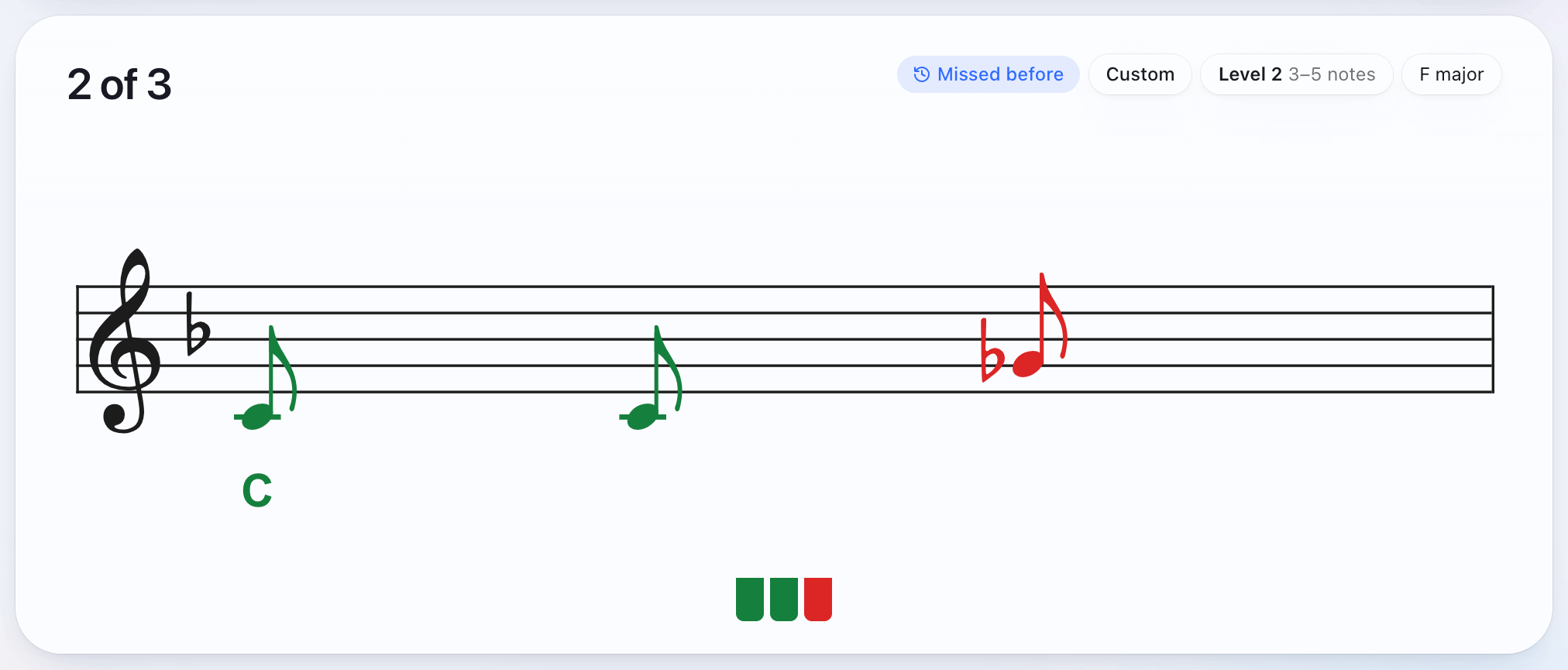
Try keys until one matches the first note you heard. This is the slow part at first, and it gets quicker. The trainer’s Named hint puts the first note on the staff with its letter under it, so you can start from there and find the rest by ear.
-
Listen for steps and leaps
From each note, ask two things. Does the next one go up or down? Is it the next note of the scale (a step) or a jump (a leap)? Nursery tunes move mostly by step. In the trainer’s random melodies you set the biggest jump, from steps only up to an octave, so you can start with steps and widen it. The Results tab shows which intervals you miss most.
-
Start with tunes you know
A tune you already know is easier, because your memory tells you when a note is wrong. The trainer has 48 short melodies from well-known tunes, from Hot Cross Buns to Für Elise; the songs list has them all. Random melodies come next, with nothing to remember and only your ear to go on.
-
Keep it short, then go longer
Three or four notes are enough to start. The trainer starts new players on 3 to 6 notes, and moves up a level when you get six of your last eight right first time, all the way to 8 to 12 notes. Once short phrases come easily, try working out whole tunes you know, away from the trainer.
-
Check yourself
Aim to play it through without a wrong note. In find it mode you can hunt for each note at your own pace, and a wrong note doesn’t lose your place. Switch to clean run when you want a wrong note to send you back to the start. Melodies you miss come back a few questions later.
The trainer covers melody for now. Chords and intervals are coming soon.
From reading to playing by ear, one hint level at a time
The trainer has four levels of help. Each one gives away less of the melody.
| All notes | Every note is on the staff before the melody plays. You read and listen at the same time, which ties what a note looks like to how it sounds. |
|---|---|
| Named | The first note is on the staff with its letter under it. You find the rest by ear. |
| First note | The first note is on the staff with no letter. You read one note, then play by ear. |
| None | The staff stays empty until you play. Each note appears as you find it. |
The Results tab shows your first-try rate on the settings you’re using now, over your last 20 melodies. When that stays high, move to the hint level with less help.
What you need
A digital piano or MIDI keyboard, and Chrome or Edge. It connects with a USB cable; connecting your keyboard covers the details. Without one, the on-screen keyboard and the browser’s piano sound work in any modern browser.
Questions
Do I need perfect pitch?
No. Playing by ear uses relative pitch, the sense of how far one note is from the next. In the trainer, you find each note from the one before it.
How long does it take to learn to play by ear?
It varies from person to person. A short session most days works better than a long one now and then. The Results tab charts your first-try rate by day, so you can see it change.
Do I need to read music to play by ear?
No. Playing by ear is listening and finding the notes on the keys. The trainer writes each note on the staff as you find it, so you see what you played, but you never have to read first. Set hints to None for pure ear training.
Is there a play-by-ear piano app?
The trainer runs in your browser, so there’s nothing to install. It’s free with no signup, and it works with a MIDI keyboard or digital piano in Chrome or Edge, or with the on-screen keyboard anywhere else.
Which songs should I start with?
Short tunes you already know, in C, that move mostly by step: Hot Cross Buns, Mary Had a Little Lamb, Twinkle, Twinkle. The songs list has all 48 melodies in the trainer, easiest group first.